

Canva – Design your content
A ready-made library of templates for creating graphic content.

Are there good Canva alternatives available in the market? Many users are also searching for free Canva alternatives, as cost-free options can be especially appealing for those on a budget. This article is your comprehensive guide to the best Canva alternatives for graphic design, whether you’re a designer, marketer, business owner, educator, or content creator.
Quick Answer: The best Canva alternatives in 2026 are Adobe Express, Visme, VistaCreate, Figma, Piktochart, and Snappa. Adobe Express offers seamless Creative Cloud integration, Visme excels at data visualization and interactivity, while VistaCreate provides the most Canva-like experience for easy switching.
We’ll cover why exploring alternatives to Canva matters, such as cost savings, access to specialized features, or finding tools better suited to your workflow. With Canva’s recent price increases and evolving needs for design flexibility, many users are seeking budget-friendly or more specialized solutions.
Here, you’ll discover top alternatives that offer unique strengths, from advanced data visualization to seamless Adobe integration, so you can find the perfect fit for your creative projects.
Quick Summary: Top Canva Alternatives
Below is a quick-reference list of the top Canva alternatives covered in this article, each with a one-line description highlighting its unique strengths:
- Adobe Express: Powerful editing and Adobe integration, ideal for seamless workflow with other Adobe products.
- Snappa: User-friendly, instant access to all features, perfect for quick social media graphics.
- Kittl: Advanced vector and typography tools, great for merch and logo design.
- Visme: Advanced data visualization tools and interactive presentations.
- Venngage: Specialized in infographics and accessibility-focused content.
- BeFunky: Robust photo editing and collage-making with AI-powered features.
- VistaCreate: Intuitive interface, high-quality templates, and print integration.
- Colorcinch: Browser-based, AI-powered photo enhancement and creative filters.
- Fotoram.io: Free, intuitive photo editing and collage creation.
- Animaker: Animation-focused, drag-and-drop video and explainer creation.
- Piktochart: Professional infographics and reports with strong data visualization.
- Desygner: Mobile-first, affordable design with PDF editing and brand kits.
- Pixlr: Affordable photo editing and design suite with a free plan and versatile tools.
Introduction to Graphic Design
The Importance of Graphic Design
Graphic design is at the heart of how we communicate visually in today’s digital world. Whether you’re crafting eye-catching social media posts, designing marketing materials, or building a brand identity, the right design tools can make all the difference.
With the explosion of digital content, graphic design has become an essential skill for everyone, from small business owners and social media marketers to project managers and creative professionals.
Modern Design Tools
Modern graphic design software, like Adobe Express and other popular alternatives, empowers users to create graphics that stand out across social media platforms and beyond.
These tools offer a wide range of features, from drag and drop editors that make customizing templates a breeze, to advanced data visualization tools that help you turn complex information into clear, engaging visuals.
Many platforms also provide a free version or free plan, so you can start designing without any upfront investment.
Many graphic design tools similar to Canva provide a drag-and-drop interface, extensive template libraries, and a mix of free and paid plans. Most tools offer a drag-and-drop interface similar to Canva, with advanced AI features and real-time editing capabilities for team collaboration.
Choosing the Right Alternative
One of the biggest advantages of today’s graphic design tools is their flexibility. You can access thousands of free templates and premium templates, experiment with design elements like stock photos and graphic elements, and even use AI-powered features to generate images or remove backgrounds in seconds.
Brand kits help you keep your visual content consistent, while integration with other Adobe apps, like Adobe Photoshop—lets you take your editing to the next level.
For those looking for the best Canva alternative, there are plenty of options that cater to different needs and budgets.
Tools like Snappa, VistaCreate, and Desygner offer super affordable paid plans and a rich library of templates, making it easy for anyone to create professional-quality social media graphics and marketing materials.
Whether you’re a beginner or a seasoned graphic designer, these platforms provide the advanced features and editing tools you need to bring your creative projects to life.
Expanding Your Toolkit
Beyond the core graphic design software, there are also other tools available to help you edit photos, generate images, and create graphics for any purpose. From AI logo makers to background removal tools, these solutions can streamline your workflow and help you produce stunning visual content quickly and efficiently.
Ultimately, graphic design is a powerful way to share your message, build your brand, and connect with your audience. With the right combination of design tools, free resources, and creative inspiration, anyone can create graphics that make an impact, no matter their skill level or industry.
So whether you’re managing social media for a business, launching a new product, or simply looking to enhance your visual content, exploring the best Canva alternatives and other graphic design tools is a smart move for taking your designs to the next level.
Why Consider Canva Alternatives?
Canva is an excellent graphic designing tool available in the market. If you have already used it, I don’t have to explain to you what it offers! You can create animations, videos, and reels with it.
There are a variety of options to pick from when you are working on any social media designs. You can also create printables, posters, and flyers. In fact, Canva Pro now comes with website templates and PDF designing tools. In short, it’s got everything that a designer would need!
But what if someone doesn’t want to work with Canva for any reason? Many users are also searching for free Canva alternatives, as cost-free options can be especially appealing for those on a budget. Are there good Canva alternatives available in the market?
Several design tools offer free plans or lower-cost alternatives to Canva. Many users are exploring budget-friendly design tools due to recent price increases in Canva. Many users are looking for design tools that provide good value for money, especially in light of Canva’s price increases.
I’ve worked with a lot of them. So I thought, why not prepare a list of these Canva alternatives and those of others who are looking for it? This article will help you discover alternatives to Canva for various needs, whether you want advanced features, easier usability, or free options. And that’s how I came up with this list.
Canva has become a go-to design tool for millions, making it easy for anyone to create stunning graphics, eye-catching social media posts, and professional visual content. But even the best tools aren’t one-size-fits-all.
Whether you’re a graphic designer looking for more advanced features, a business owner seeking unique branding options, or a social media manager in need of specialized templates, you might find yourself searching for the best Canva alternatives.
I’ve tested almost every tool here extensively. I did it to make sure I can give you a first-hand review of the best Canva alternatives.
In this article, we’ll dive into the top Canva alternatives available today, including industry favorites like Adobe Express, Visme, and Piktochart. Each canva alternative brings its own set of features, pricing options, and design tools to the table.
No matter your skill level or creative goals, there’s a design tool out there to help you create stunning graphics and elevate your social media presence. Let’s explore which of these best canva alternatives could be the perfect fit for your next project.
1. Adobe Express
Adobe – Unboxing creativity
Adobe is a creative, marketing, and document management solutions provider.

Key Features
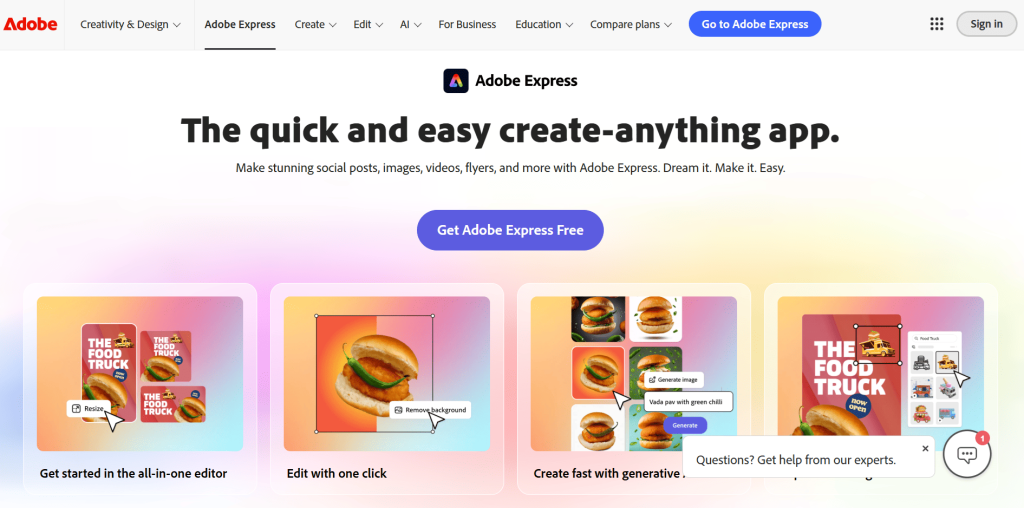
Adobe Express has to be on the list and at the top! It’s one of the most powerful Canva alternatives out there. It lets you design a social media post, invitations, flyers, and more with a few simple clicks.
- Access to thousands of templates, or create your own from scratch
- Integration with Creative Cloud for seamless transition between Adobe apps like Photoshop and Illustrator
- Adobe Fonts and Adobe Stock for professional-grade resources
- Firefly AI for text effects and AI image generation
- Sync projects across web, iOS, or Android
- Export files in multiple formats tailored for various platforms
- Generous free plan with 100,000+ templates and 1,000,000+ design assets, plus 5GB of cloud storage
- Premium features: branded templates, increased storage, additional AI credits
Collaboration
- Real-time collaboration with teammates via direct links
- Manage brand elements like logos, colors, and fonts across all designs
Pricing
- Free plan with extensive resources
- Pro plan unlocks advanced tools and team features
- Enterprise plan for large organizations with administrative controls and scalable deployment
Why Choose Adobe Express?
Adobe Express leads among Canva alternatives because it combines user-friendly simplicity with advanced features suitable for both individual creators and larger teams. You can count on Adobe’s robust and reliable infrastructure to keep your workflow smooth and professional.
Other features, such as seamless integration with other Adobe apps and a wide range of creative tools, further set Adobe Express apart from the competition. Adobe Express is often recommended as a top alternative to Canva due to its powerful editing capabilities and integration with other Adobe products.
While Adobe Express excels in integration, Snappa stands out for its simplicity and instant access to features.
2. Snappa
Key Features
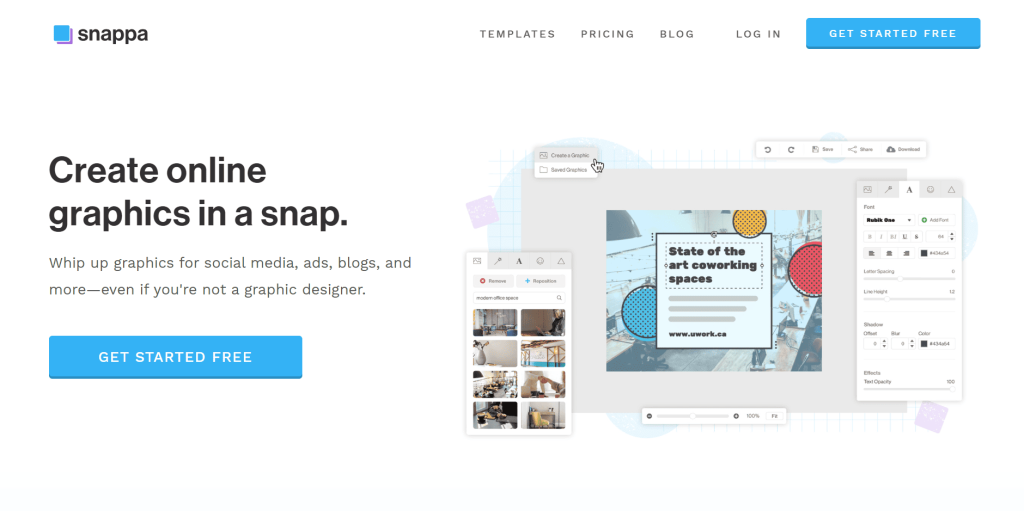
Snappa makes a solid case as one of the best Canva alternatives. If you want to launch your designs instantly without learning curves, Snappa is the way to go. Even the free plan unlocks full feature access.
- Over 6,000 templates for social media posts, banners, advertisements, and blogs
- Simple drag-and-drop features for layering images, text, and graphics
- Rapid resizing for any social media platform
- Import custom fonts and brand colors for consistent branding
- Massive library of royalty-free images
- Collaboration features for team projects
- Browser-based, no installation required
Collaboration
- Easy, fast, and fun team collaboration
- Access everything from your browser
Pricing
- Free plan: 3 exports per month
- Paid plans: Unlimited downloads, Buffer integration
Why Choose Snappa?
Snappa boasts itself as one of the top Canva alternatives as it offers an easy and streamlined design process. It’s the perfect deal for marketers and content creators who want simplicity without sacrificing professional quality. That’s why I love Snappa, it makes designing effortless and enjoyable.
While Snappa is all about speed and simplicity, Kittl is the go-to for advanced vector and typography work.
3. Kittl
Kittl: Professional Design Platform
Create stunning designs in minutes. Powerful tools, zero complexity.
25% off annual plans (or 3 months free). Valid from Nov 24th – Dec 2nd.
Key Features
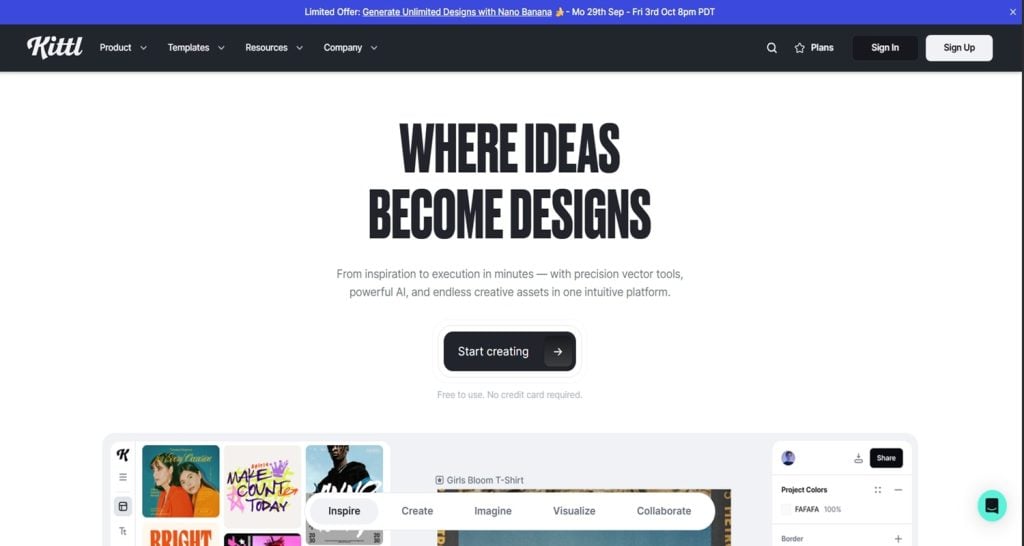
Kittl is a browser-first design tool built for creators focused on merch, logos, and typography-heavy projects. Similarly, Canva is another popular platform for creators, and if you’re interested in monetizing your design skills, check out these 20 Easy Ways to Make Money Using Canva – Start Earning Now!.
Kittl gives precise control with scalable vector editing and real-time collaboration directly inside the editor.
- AI Vectorizer for instant raster-to-vector conversion
- AI clipart generation and crisp mockup features
- Infinite canvas for complex, layered designs
- Powerful text tools: curve, warp, shade, and customize fonts
- Library of 1,400+ commercial-use typefaces and wide asset library
- Export formats: PNG, SVG, PDF
Collaboration
- Real-time team collaboration directly in the editor
Pricing
- Browser-only platform, no offline or mobile support
- Free and paid plans available
Why Choose Kittl?
Kittl delivers sharp control and creative freedom, making it a go-to Canva alternative for merch creators and brand designers.
If you need interactive and data-rich visuals, Visme is the next tool to consider.
4. Visme
Visme – Creating interactive brand visuals
All-in-one platform for creating infographics, data visualization, videos, presentations, and other branded content.
Save 50% on yearly plans.

Key Features
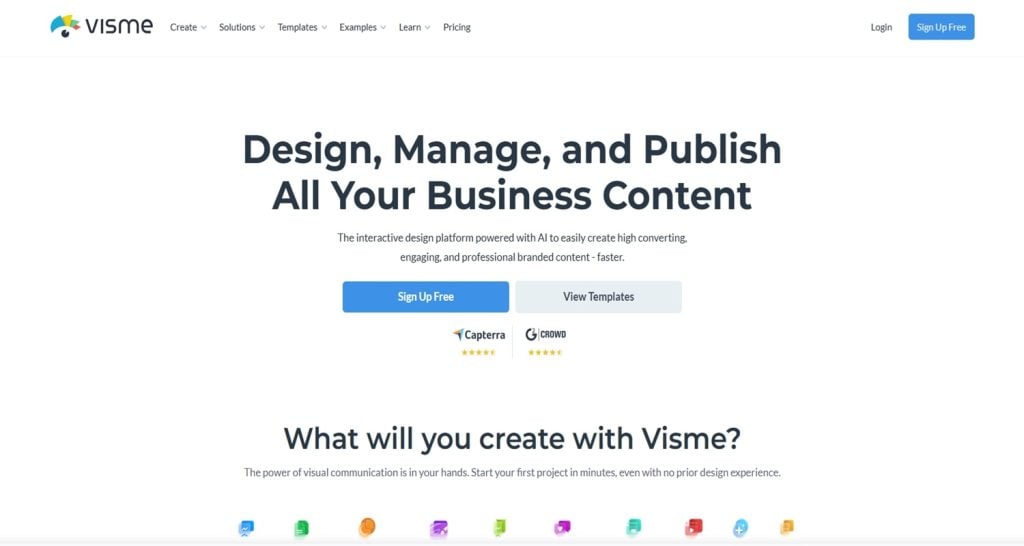
Visme is a browser-based design tool created for professionals who want interactive, data-rich, and brand-consistent visuals. It works especially well for business, education, and marketing teams.
- Add interactivity: links, hover effects, clickable buttons, popups
- AI tools: presentation generation, text generator, image upscaling, background removal
- Data visualization: import spreadsheets, dynamic charts, infographics
- Brand Kit for fonts, logos, and colors
- Analytics to track views and engagement (Pro plans)
- Extensive library of templates and assets
- Export options: PPTX, PDF, HTML5, GIF, video
Collaboration
- Team collaboration with privacy controls
- Mobile app support
Pricing
- Free and paid plans
- Pro plans include analytics and advanced features
Why Choose Visme?
Visme is the Canva alternative for those who want visual storytelling with data and interactivity at its core. Visme offers advanced data visualization tools, including 40+ charts and graphs, customizable flowcharts, and 3D animated data widgets.
If infographics and accessibility are your focus, Venngage is up next.
5. Venngage
Venngage – Professional Infographic Maker
Venngage helps you create mind-blowing infographics that attract more visitors. Use coupon code: WSPARKS2020 to save up to $120/year.

Key Features
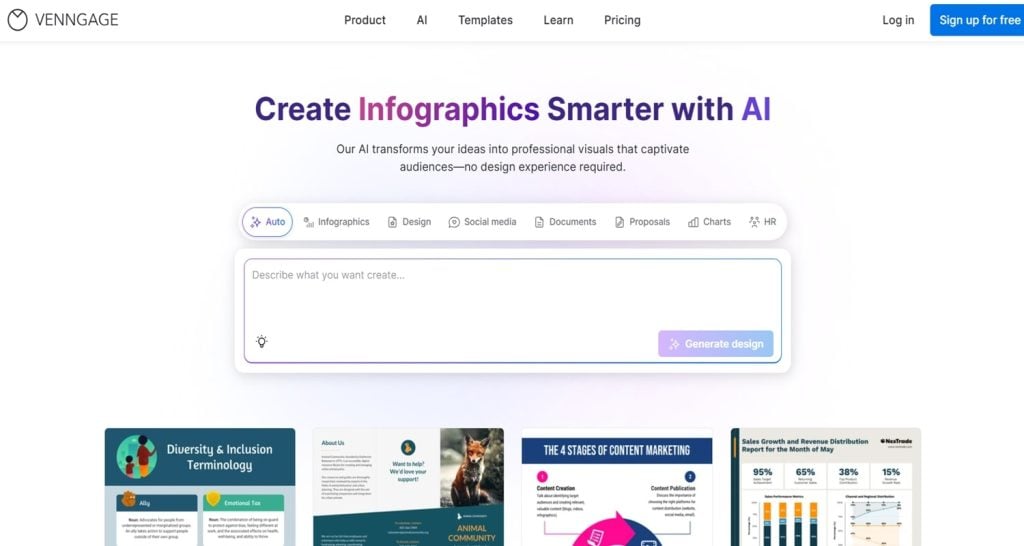
Venngage is a browser-based design tool that can help users present highly complex data into clear visuals. The tool is unique because you can create killer infographics, create reports, and even accessibility-focused content easily.
- Infographic and chart builder with direct data imports
- Hundreds of infographic templates for stats, timelines, comparisons, and processes
- Accessibility tools: color contrast checks, alt-text support, PDF/UA exports (Business plans)
- Venngage AI for layout generation, brand style application, and task automation
- Brand Kits for alignment across outputs
- Export options: PNG, PDF, PowerPoint
Collaboration
- Folders, team collaboration, and password-protected sharing (premium plans)
- Straightforward interface for user-friendliness
Pricing
- Free users: 5 projects
- Paid plans: Unlimited designs, priority support, flexible export choices
Why Choose Venngage?
Venngage stands out as a Canva alternative where clarity and accessibility drive the design experience. Compared to other tools in the market, Venngage excels in making infographics and reports accessible and easy to create, especially for users focused on data visualization and compliance.
If you want a blend of photo editing and graphic design, BeFunky is a strong contender.
6. BeFunky
Key Features
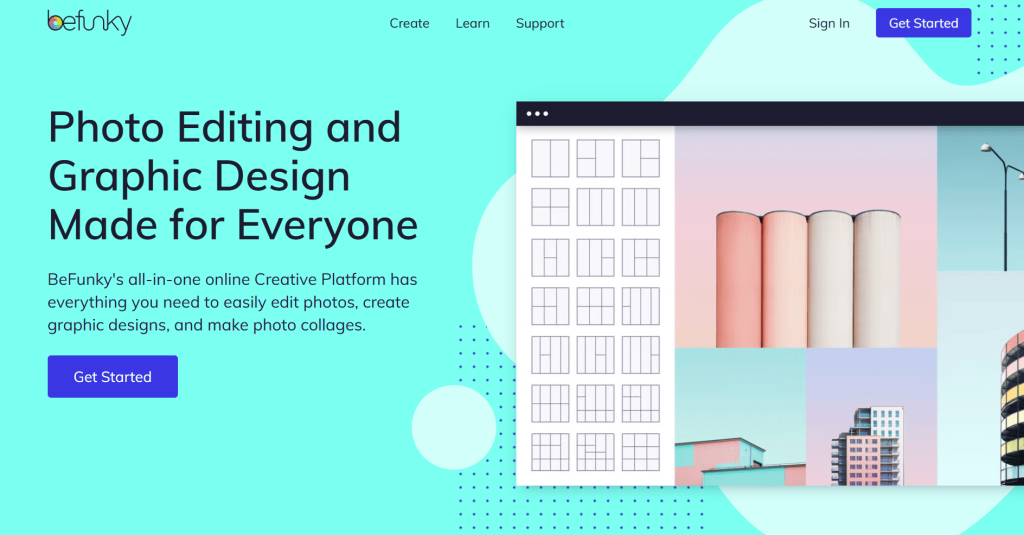
BeFunky gets into the list of Canva alternatives because of its amazing photo editing and graphic design tools. It offers three core modules: Photo Editor, Collage Maker, and Graphic Designer.
- Complete creative flexibility with photo editing
- Simple, user-intuitive interface
- AI-powered color corrections, object removals, background replacements, and filters
- Collage Wizard for automatic layouts
- Vast array of customizable templates for social media, greeting cards, and print
- Batch processing for efficiency
- Direct social media integration
Collaboration
- Share finished projects straight from the workspace
Pricing
- Free tier: Essential features
- Paid plans: Premium filters, frames, extensive cloud storage
Why Choose BeFunky?
BeFunky appeals strongly to creatives looking for a mix of intuitive design and powerful editing tools. This alternative serves users wanting effortless transitions from photo editing to graphic design.
For those who need print-ready designs and seamless print integration, VistaCreate is a top pick.
7. VistaCreate
Key Features
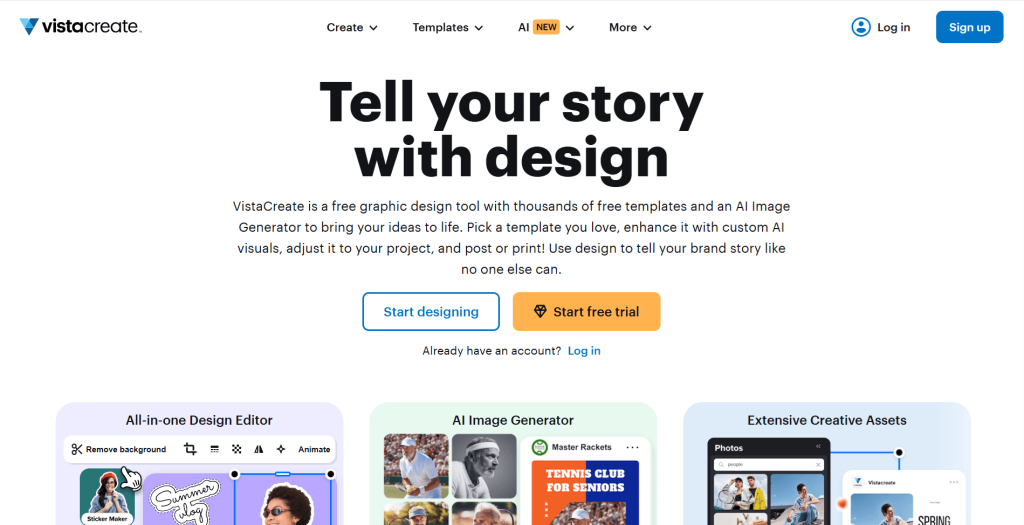
VistaCreate confidently positions itself as one of the powerful Canva alternatives. Specializing in print and digital media, it offers vast template choices for flyers, posters, business cards, and a wide range of free templates.
- Extensive selection of social media templates, including Instagram Stories
- Integration with VistaPrint for direct printing
- Tools to upload logos, fonts, and brand colors for brand consistency
- Library of over 70 million royalty-free photos, vectors, and videos
- Animation features for digital ads
- Starter plan: 10GB storage
- Unlimited storage and collaborative team options (upgraded plans)
- Instant resizing for any format or platform
- Export formats: PDF, JPG, PNG
Collaboration
- Team collaboration with permission controls
Pricing
- Free Starter plan with 100,000 templates and 10 GB of file storage
- Paid plans for unlimited storage and advanced features
Why Choose VistaCreate?
VistaCreate is an amazing entry in the Canva alternatives as it bridges the gap between digital and print workflows, just like Canva. It is known for its intuitive interface and high-quality templates, making it a strong competitor to Canva.
If you want browser-based, AI-powered photo enhancement, Colorcinch is worth a look.
8. Colorcinch
Key Features
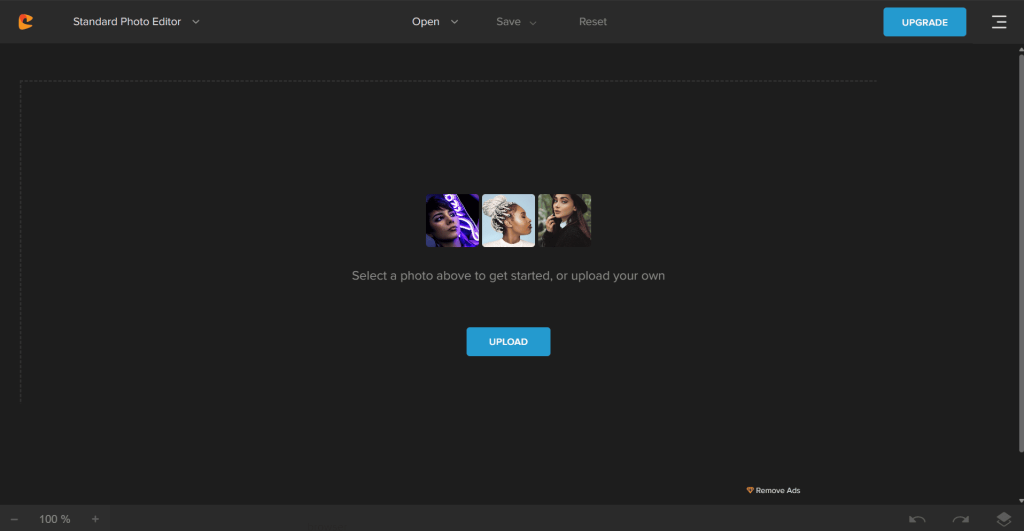
Colorcinch is another major entry on the Canva alternatives list. It’s directly launchable from your browser, just like Canva.
- Basic editing: exposure adjustments, color replacements, sharpening
- AI-driven tools: background removal, auto-enhancement, AI image generator
- Extensive libraries of filters: Cinematic, Vintage, Pop Art
- Text overlays with shadow, stroke, and curve effects
- Layer support for complex, layered designs
- Export formats: JPG, WebP, PNG, TIFF
- Cloud storage for projects
Collaboration
- Easy sharing and cloud-based project storage
Pricing
- Free and paid plans
Why Choose Colorcinch?
Colorcinch delivers a streamlined photo-editing experience ideal for marketers, bloggers, and small businesses. Its combination of simplicity, speed, and powerful editing features makes it a compelling option among Canva alternatives.
If you want a free, intuitive photo editor with collage features, Fotoram.io is next.
9. Fotoram.io
Key Features
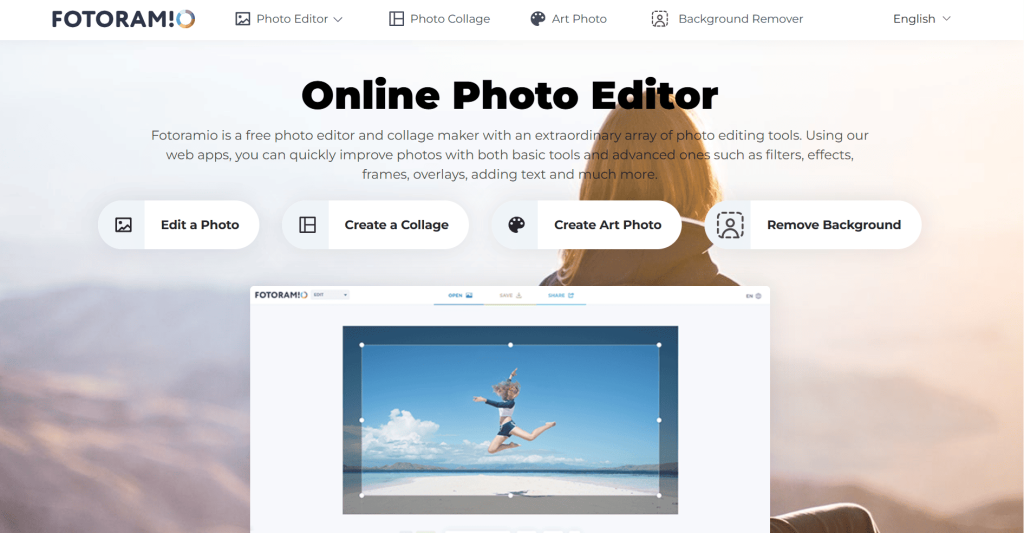
Fotoram.io earns recognition among Canva alternatives with its feature-rich, intuitive, and powerful photo editing capabilities.
- Crop, rotate, flip, and resize images directly in the browser
- Adjust contrast, hue, saturation, and add creative filters
- Advanced visual effects: vignette, HDR, tilt-shift
- Collage maker with 100+ preset layouts
- AI-powered background removal
- Creative text overlays with various fonts
- Hassle-free exporting: HD outputs, no watermarks
- Export formats: JPG, PNG, more
- Direct sharing via iframe codes
Collaboration
- Easy sharing and embedding
Pricing
- Free plan: Essential features
- Premium: Template libraries, unlimited cloud storage
Why Choose Fotoram.io?
Fotoram.io is among the best Canva alternatives, and it is simple and powerful. You won’t get cluttered with unnecessary features, and you can work without any distractions.
For animation and explainer videos, Animaker is a standout choice.
10. Animaker
Key Features
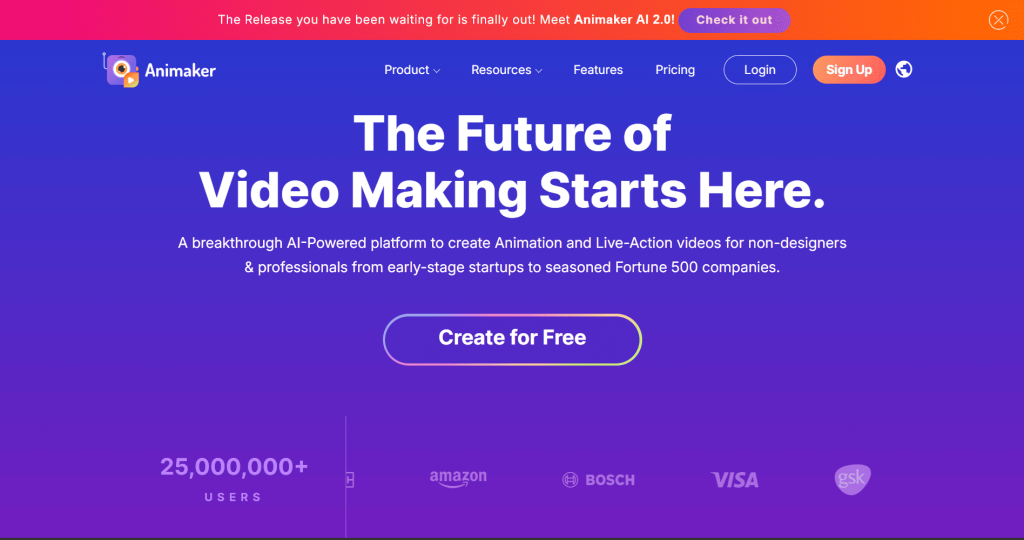
If you are in the animation category, Animaker tops the list of Canva alternatives available. It’s specifically designed for animators.
- Create professional explainer videos, social media clips, presentations, and landing page assets
- Drag-and-drop controls
- Library of 200+ pre-animated characters with customizable expressions and movements
- Auto lip-sync and voiceover recording
- Camera effects: pan, zoom, rotate
- 500,000+ stock assets: props, icons, backgrounds
- Auto-subtitling for accessibility
- Download options: GIFs, full HD video formats
Collaboration
- Real-time team collaboration on shared projects
Pricing
- Free version: Core features
- Paid plans: Commercial licensing, full animation tool access
Why Choose Animaker?
Animaker adds rich animation functionality to the lineup of Canva alternatives. It works best for marketers, educators, and small businesses aiming to create engaging visual content for a variety of projects, including landing pages, without hiring video editors.
If you need to visualize data and create infographics, Piktochart is a top performer.
11. Piktochart
Piktochart focuses primarily on professional documents, reports, and infographics, offering specialized templates for data visualization and team collaboration features.
Piktochart excels in visualizing numbers and data, providing templates for infographics, reports, and presentations. It is particularly valuable for creating infographics and offers a free plan.
Key Features
Piktochart is a powerful browser-based design tool that excels at turning complex data and ideas into visually appealing graphics.
- Specialized in data visualization and infographics
- Hundreds of customizable templates
- Intuitive drag-and-drop editor
- AI-assisted design and branding automation
- Supports direct data imports for charts
- Collaboration and team sharing tools
- Multiple export formats: PNG, PDF, PowerPoint
Collaboration
- Team collaboration features for efficient workflow
Pricing
- Free plan available
- Premium plans: Unlimited designs, priority support, flexible export options
Why Choose Piktochart?
Piktochart stands out as a top Canva alternative for users who prioritize data-driven design and want to create professional-quality visuals that communicate information clearly and effectively.
If you want a mobile-first, affordable design tool, Desygner is a great option.
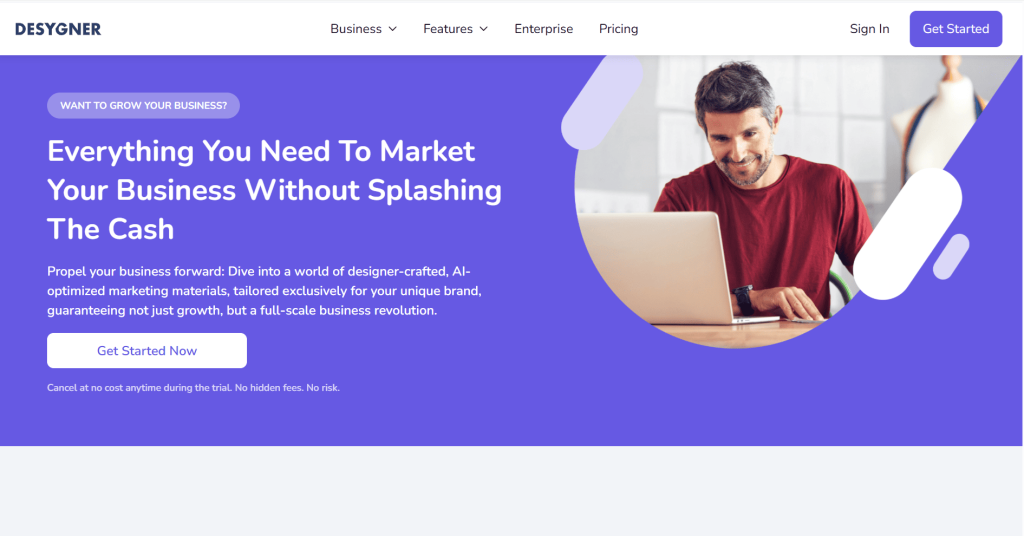
12. Desygner
Key Features
Desygner is another interesting tool in the list of the best Canva alternatives. It takes a mobile-first approach.
- Thousands of templates for social posts, business cards, resumes, ads, and more
- Clean, intuitive interface with drag-and-drop controls for small screens
- Import brand assets and build brand kits
- Real-time sync between mobile and desktop
- PDF editing features
- Cloud storage and unlimited folder management
- Export in JPG, PNG, or PDF formats
Collaboration
- Direct sharing to social media or clients via links
Pricing
- Free plan: Basic editing tools
- Paid plans: Affordable pricing, robust features
Why Choose Desygner?
Desygner is a great alternative to Canva as it gives amazing flexibility and freedom to work from anywhere. It’s a perfect pick for freelancers, marketers, and entrepreneurs who need professional design access without being tied to a desktop.
Now, let’s discuss how these tools compare in terms of collaboration and learning curve.
Collaboration and Learning Curve
Collaboration Features
When selecting a Canva alternative, two important factors to consider are collaboration features and the learning curve. If you often work with a team or need to share projects with clients, look for a tool that offers real-time collaboration, commenting, and easy sharing options.
Many alternatives also provide robust design features, advanced editing features, and enterprise plans with administrative controls and scalable deployment for larger organizations.
Adobe Express, for example, stands out with its intuitive drag and drop editor and seamless collaboration features, making it a strong canva alternative for both teams and solo creators. It is often compared to industry standard Adobe apps for its professional capabilities.
Learning Curve and Usability
For those new to graphic design or who prefer a straightforward experience, choosing a tool with a gentle learning curve is key. Drag and drop editors, pre-made templates, and user-friendly interfaces help non designers get started quickly without feeling overwhelmed.
Most tools offer a drag-and-drop interface similar to Canva, with advanced AI features and real-time editing capabilities for team collaboration.
On the other hand, if you’re seeking more advanced features and design elements, platforms like Visme offer powerful editing tools, interactive elements, and a wide range of templates, though they may require a bit more time to master.
Many alternatives also support business graphics, making them popular among social media managers who need to create professional logos, banners, flyers, and cover photos for marketing and branding.
Choosing the Best Fit
By weighing collaboration capabilities and ease of use alongside features and templates, you can find the best canva alternative that fits your workflow, whether you’re a seasoned graphic designer or just starting out with online design tools.
Now that we’ve explored collaboration and usability, let’s see how these alternatives stack up directly against Canva.
Canva vs Canva Alternatives
I’ve shared 11 alternatives to Canva with you in this piece. So it’s obvious you would like to compare these alternatives to Canva with Canva itself. Now, if you ask for a more honest opinion, these tools do have some serious power.
For example, Pixlr Editor, Pixlr Designer, and Pixlr Express each serve as a strong alternative to Canva, offering unique strengths in photo editing, design, and quick image enhancements.
Pixlr is a suite of tools that includes a photo editor, an AI-powered editor, and a graphics design app, making it versatile for different design needs. It is recognized as an affordable alternative to Canva, offering a suite of tools for photo editing and graphic design.
Pixlr offers a free plan that allows three saves per day and limited AI use. Pixlr is considered one of the favorite image editing suites for budget-conscious users, recognized as an affordable alternative to Canva.
It is actually a suite of five apps, including a photo editor, an AI-powered photo editor, a template-powered graphics design app, a batch editor (bulk photo editor), and more.
Pixlr offers advanced editing features, background remover tools (including an AI-powered background remover and AI-powered photo editor), and interactive elements. It also provides a free plan that allows three saves per day and limited AI use, making it accessible for users who need essential editing without a subscription.
But do you know what makes Canva better than these alternatives? It’s not just the only design app you need, it’s a versatile platform with a wide range of templates, resources, and AI-powered features, suitable for various design needs and workflows. As you can see, the above-mentioned tools are designed for a specific user group.
Some are for video editing, some are for graphic design, some are for photo editing, and others are for animation. Many alternatives also offer other features that set them apart, such as AI-powered editing, background remover, batch editor, bulk photo editor, and specialized design tools.
Side-by-Side Comparison Table
| Feature/Tool | Canva | Adobe Express | Visme | Piktochart | Pixlr | Snappa | VistaCreate | Desygner |
|---|---|---|---|---|---|---|---|---|
| Templates | Extensive | 100,000+ | Wide range | Infographics, reports | Good | 6,000+ | 100,000+ | Thousands |
| Free Plan | Yes | Yes | Yes | Yes | Yes | Yes | Yes | Yes |
| AI Features | Yes | Yes | Yes | Yes | Yes | No | No | No |
| Data Visualization | Basic | Basic | Advanced | Advanced | No | No | No | No |
| Photo Editing | Basic | Basic | Basic | No | Advanced | Basic | Basic | Basic |
| Animation/Video | Yes | No | No | No | No | No | No | No |
| Print Integration | No | No | No | No | No | No | Yes | No |
| Collaboration | Yes | Yes | Yes | Yes | No | Yes | Yes | Yes |
| Mobile App | Yes | Yes | Yes | No | Yes | No | Yes | Yes |
Piktochart’s Unique Value
Piktochart focuses primarily on professional documents, reports, and infographics, offering specialized templates for data visualization and team collaboration features.
Piktochart excels in visualizing numbers and data, providing templates for infographics, reports, and presentations. It is particularly valuable for creating infographics and offers a free plan.
For video editing, Clipchamp is focused on video editing and offers a multi-track editor that is more robust than Canva’s video editing capabilities. It features a user-friendly interface for creating video content and provides a free plan with all editing features, making it a strong choice for those prioritizing video.
What makes Canva better than alternative to Canva options is that it comes loaded with almost every feature these tools have combined! When you are using Canva, you get access to all these tools and an extensive library, so you won’t have to hop between different tools and websites to get your job done.
And the best part? Canva offers a free version, too. So you can work on amazing designs and use a wide range of tools for free. Obviously, not all features will be available to free users. But that’s definitely not a deal breaker.
You can get the basic job done with Canva. In fact, you can get access to some ready-made templates and photos with their free account. And if you go with the pro plan, you get everything and anything, including advanced features and more resources!
So in my opinion, Canva is obviously a better choice when compared to the alternatives to Canva mentioned above, including Pixlr Editor, Pixlr Designer, and Pixlr Express. But hey, ultimately it will be you who will be using the tool. So, it’s up to you to decide which tool you have to go with based on your goals and needs.
Wrapping Up
There are so many Canva alternatives to choose from. I tried to identify, test, and filter as many as I could and came up with this list. If you find some more Canva alternatives or want me to test one, feel free to drop a comment in the comments section below.
Till then, explore Canva, explore Canva alternatives, and sharpen you’re design skills within!
FAQs
Is Canva Free?
Yes and No! Canva does offer a free account with a lot of basic features. But if you want to unlock its true potential, you’ll need a premium account.
Which is the best Canva Alternative?
This is a subjective question. The answer depends on what exactly you are looking for. So, explore the list above, and you will surely find the best Canva Alternative.
Is Adobe Express any good?
Yes, Adobe Express is great. It allows you to work on multiple design and editing tasks. But more importantly, it comes from Adobe! The brand name is enough to convey how helpful it is.
Read more from Canva
- Top 12 Canva Alternatives, Hand-picked For You! (Free & Paid)
- Top 15 Canva Apps You Probably Didn’t Know About (FREE & PAID)
- How to Get Canva Pro Free? Here are 6 Legit Ways
- How to Make Money Using Canva? 20 Simple Ways!
- Visme vs. Canva: Which one suits you better?
