


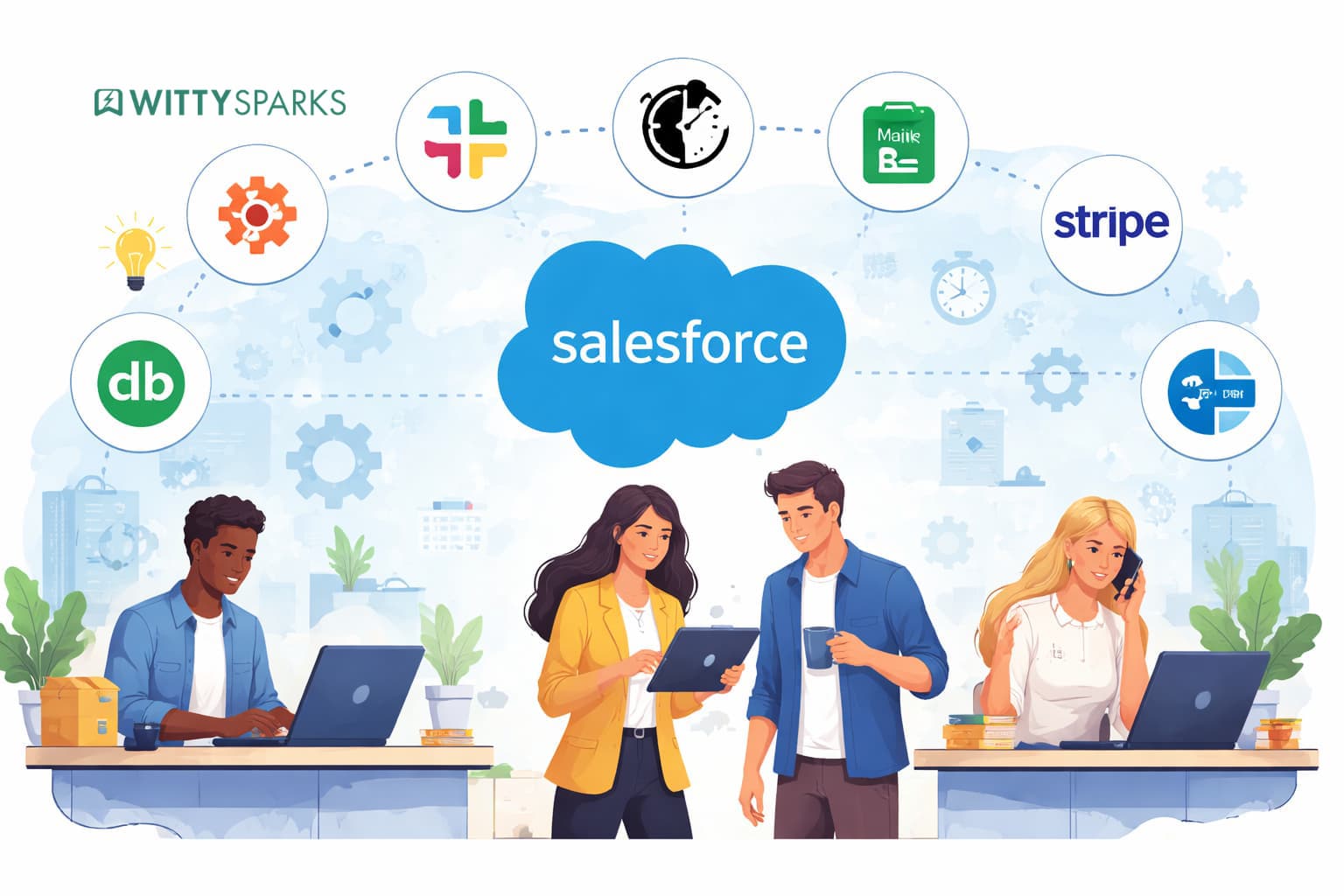

The current competitive market operates at a breakneck pace; therefore, to rise to the top you don’t need the hardest working team, but the smartest workers who can automate tasks.
Thousands of companies today are running on Salesforce, still many continue to waste hours each week to manual labour and wonder why the sales-to-finance handoff process is always a nightmare.
This guide is not about the popular or glamorous new tools. It highlights eight key integrations that can eliminate friction and save your team 10+ hours a week, with clear visibility into the time saved. To fully unlock these benefits, businesses must adopt a strategic approach to Salesforce integration rather than treating integrations as one-off fixes.
On this page
For growing teams, working with a trusted Salesforce implementation partner ensures these integrations are aligned with your business workflows, scalable, and free from unnecessary technical complexity.
1. Slack – Your Real-Time Deal Intelligence Hub
Slack and Salesforce integration has developed far beyond the common deal-closed messages. Nowadays, teams can update the records, view account context and take opportunities ahead without leaving a Slack conversation.
The actual time-saving feature is the removal of context switching – the productivity cost your team pays whenever they switch tools to get the information that they should already be right there on their screen.
- Get instant Slack alerts when deals change stage, go overdue, or close
- Search and share Salesforce records inside any channel
- Create dedicated deal rooms – Slack channels tied to specific opportunities
- Receive task reminders and follow-up nudges without logging into the CRM
2. Zapier – The No-Code Connector for Every Tool in Your Stack
If there is a tool your business uses that does not have a native Salesforce connector, Zapier almost certainly bridges the gap. Connecting over 7,000 apps through simple trigger-action ‘Zaps,’ it is the Swiss Army knife of automation and requires zero developer involvement.
For growing businesses, the highest-impact Zaps are the ones that eliminate the manual steps between systems: a web form submission that auto-creates a Salesforce lead, a closed deal that triggers an onboarding checklist, or a new contact that syncs to you project management tool.
- Connect Salesforce to 7,000+ apps without any coding
- Automate cross-platform tasks with conditional logic and multi-step flows
- Auto-create Salesforce leads from web forms, ads, chatbots, and landing pages
- Sync data between Salesforce and HR, finance, or project tools
3. DocuSign – Close the Loop on Contracts Without Leaving Salesforce
The last stage of any deal is the most precarious. One drafts a contract, emails it, it gets lost in the inbox, is re-mailed, and finally signed, then somebody must manually enter the CRM. This is a regular process that keeps on adding length to your sales cycle.
Having DocuSign integrated with Salesforce, the reps will be able to create pre-populated contracts, send them for e-signing, and monitor their status without leaving the CRM. When a signature is made, it gets attached to the opportunity automatically and the record is updated.
- Generate and send contracts directly from Salesforce opportunity records
- Track document status (sent, opened, signed) without chasing anyone
- Auto-update opportunity fields when signatures are completed
- Maintain a searchable contract archive inside Salesforce
4. Gmail / Outlook – Make Your Inbox Part of the CRM
Salespeople exist in their email inboxes. However, when discussing in Gmail or Outlook and data lives in Salesforce, important context is always lost in the cracks. Native email integrations address this by automatically tracking all emails, replies, and meetings to the appropriate Salesforce record.
The outcome is the real single source of truth and the termination of that ritual, where your sales rep spends Friday afternoon entering emails manually into the CRM.
- Auto-log all emails and replies to the correct lead, contact, or opportunity
- View full Salesforce deal context (stage, last activity, open tasks) inside your inbox
- Sync calendar events to Salesforce activities automatically
- Create new Salesforce records directly from incoming emails
5. LinkedIn Sales Navigator – Prospect Smarter, Not Harder
This integration is where the list shifts from ‘common tools’ to ‘tools that scale with your team.’ LinkedIn Sales Navigator pulls prospect profiles, job changes, mutual connections, and recent activity directly into Salesforce records, no tab-switching, no manual research.
For sales teams doing significant outbound, the time saved on research alone justifies the integration. More importantly, the quality of outreach improves personalised messaging based on real signals converts at a significantly higher rate than cold generic emails.
- See LinkedIn profiles, job changes, and activity inside Salesforce records
- Identify warm intro paths through mutual connections, without leaving the CRM
- Receive alerts when prospects change roles or companies
- Build highly targeted lists using LinkedIn data filtered against your Salesforce pipeline
6. HubSpot – Fix the Marketing-to-Sales Handoff Once and For All
Marketing and sales misalignment is one of the most common and costly growth problems for scaling businesses. Leads get generated, then dropped in the handoff. Sales reps call contacts with no context. Marketing cannot tell if their campaigns actually closed revenue.
A tight HubSpot + Salesforce integration fixes this by syncing lead scores, website activity, email engagement, and campaign attribution bidirectionally between both platforms. Sales reps finally have the context they need before picking up the phone.
- Sync lead scores, website visits, and email engagement data into Salesforce records
- Ensure every marketing-qualified lead reaches the right rep with full context
- Close the attribution loop – see which campaigns actually generated closed revenue
- Trigger sales tasks automatically when marketing engagement thresholds are hit
7. Jira – Bridge the Gap Between Sales and Delivery
For companies selling software, complex services, or anything with a post-sale implementation phase, the handoff from sales to delivery is where relationships are won or lost. Connecting Jira to Salesforce means sales teams can check implementation progress, flag blockers, and update clients without interrupting engineers at all.
This integration also prevents the common problem where a deal is technically ‘won’ in Salesforce, but the delivery team has no visibility into what was actually promised.
- View Jira ticket status and project progress directly inside Salesforce accounts
- Create Jira issues from Salesforce without switching tools
- Automatically link Salesforce opportunities to Jira projects for full traceability
- Give customer success teams visibility into delivery timelines without Jira access
8. Mailchimp – Nurture Leads on Autopilot
Not every lead is ready to buy today. Mailchimp + Salesforce ensures that the contacts who are not ready yet do not get forgotten – they get nurtured automatically with relevant content based on where they are in the pipeline.
Equally important: it prevents the reverse problem, where marketing sends batch campaigns to contacts that sales is actively working, creating confusion and mixed messaging.
- Sync Salesforce contacts and leads to targeted Mailchimp lists automatically
- Trigger email journeys based on CRM data, like deal stage or industry
- See email engagement data (opens, clicks) directly on Salesforce records
- Prevent emailing unsubscribed or stage-inappropriate contacts
The Bottom Line
Salesforce’s real power is not in the CRM itself; it is in what happens when your CRM is genuinely connected to the rest of your business. The integrations in this guide represent the highest impact, most accessible starting points for scaling teams that want to grow without proportionally growing headcount.
To better understand how a well-planned Salesforce integration strategy can transform your operations, it’s important to look beyond individual tools and focus on building a connected ecosystem.
If your current setup feels disjointed, an experienced Salesforce implementation partner can help you identify which of these integrations will deliver the biggest return for your specific workflows and set them up cleanly, without creating new technical debt.
Guest post by Sumeet Srivastava, Senior Vice President, Envision.
Read more from Business
- 8 Salesforce Integrations That Save Growing Businesses 10+ Hours Per Week
- Speed Up Real Estate Deals with Salesforce Sales Cloud Consultant
- When a Personal Phone Setup Starts Holding a Business Back?
- IT Strategic Planning in 2026: A Complete Guide for Future-Ready Business
- The Future of ERP in the AI-Driven Business Landscape
- What Enterprises Are Learning the Hard Way About Insider Threats?
- I Filtered 17 Best B2C CRM Tools for You (With Some Shocking Entries!)
- How Unstoppable Leaders Think Decide and Win Consistently?
- 7-Step Guide to B2C Branding Strategy
